jdbc:teiid:VDB-NAME@mm[s]://HOSTNAME:PORT;[prop-name=prop-value;]*Connecting to a Virtual Database
JDBC
Java Database Connectivity (JDBC) is an application to database connectivity tool. This Application Program Interface (API) enables communication between applications written in Java and data stored in databases providing methods for data querying and updating. JDBC is very similar to Open Database Connectivity (ODBC).
Red Hat JBoss Data Virtualization (JDV) provides an API that builds on Java Database Connectivity (JDBC), allowing client applications to issue SQL queries against deployed virtual databases (VDBs).
URLs used when establishing a connection using the driver class have the following format:
| Variable Name | Description |
|---|---|
VDB-NAME |
The name of the virtual database (VDB) to which the application is connected. IMPORTANT: VDB names can contain version information; for example, myvdb.2. If such a name is used in the URL, this has the same effect as supplying a version=2 connection property. Note that if the VDB name contains version information, you cannot also use the version property in the same request. |
mm[s] |
The JBoss Data Virtualization JDBC protocol. mm is the default for normal connections. mms uses SSL for encryption and is the default for the AdminAPI tools. |
HOSTNAME |
The server where JBoss Data Virtualization is installed. |
PORT |
The port on which JBoss Data Virtualization is listening for incoming JDBC connections. |
[prop-name=prop-value] |
Any number of additional name-value pairs can be supplied in the URL, separated by semi-colons. Property values must be URL encoded if they contain reserved characters, for example, ?, =, and ;. |
Where are we?
How to access the data
When you have successfully deployed the Financials VDB into the JDV server, the JDBC protocol support is provided by the JDV server by using the Teiid JDBC driver. The Teiid JDBC driver which resided in teiid-8.12.5.redhat-8-jdbc.jar can be found in $EAP_HOME/dataVirtualization/jdbc directory.
The Teiid JDBC driver can be used in JDBC client tools like Squirrel or DBVisualizer etc..
The following steps are used to setup the connection using the Teiid JDBC driver in Squirrel.
Start Squirrel
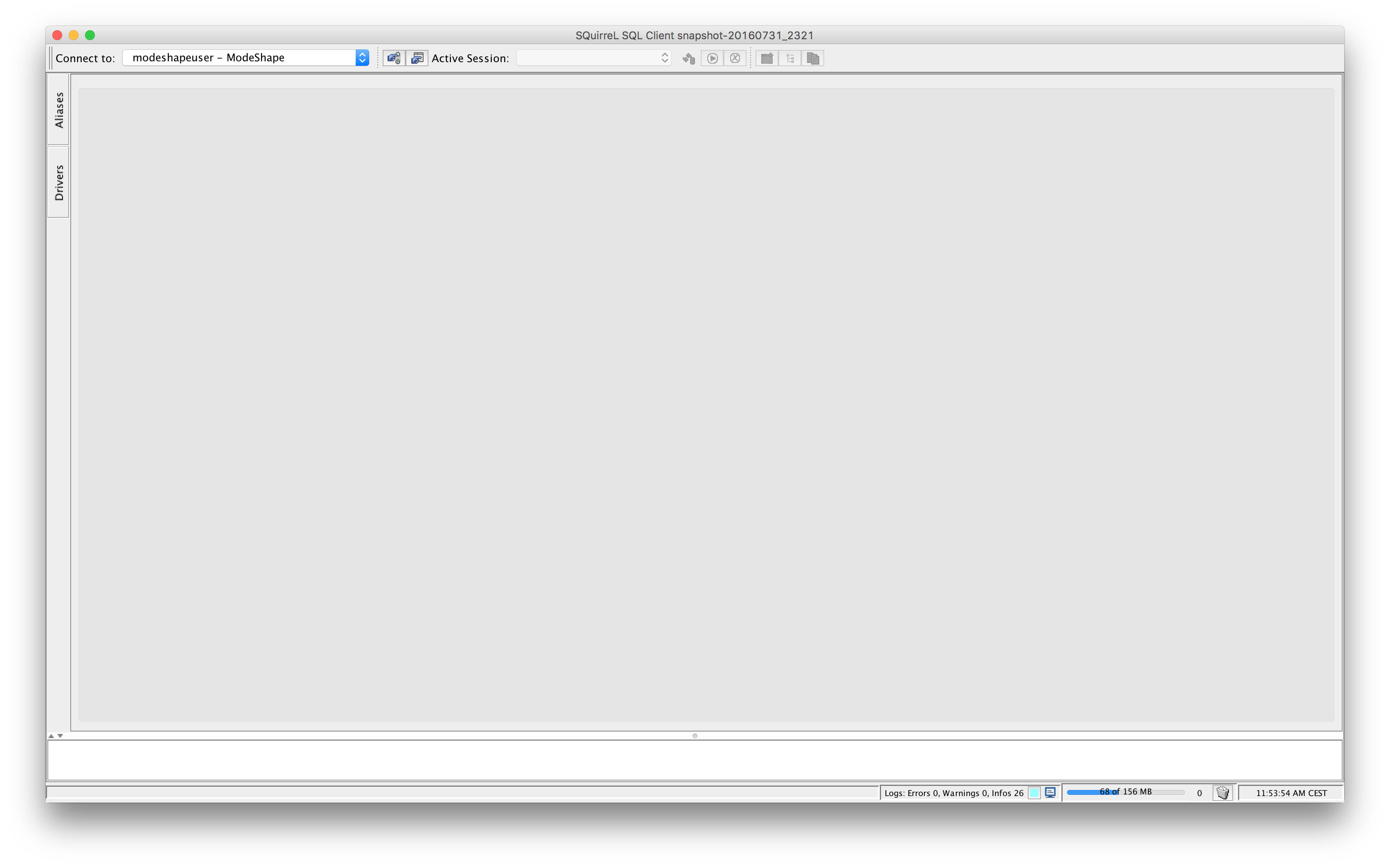
Select Drivers tab.
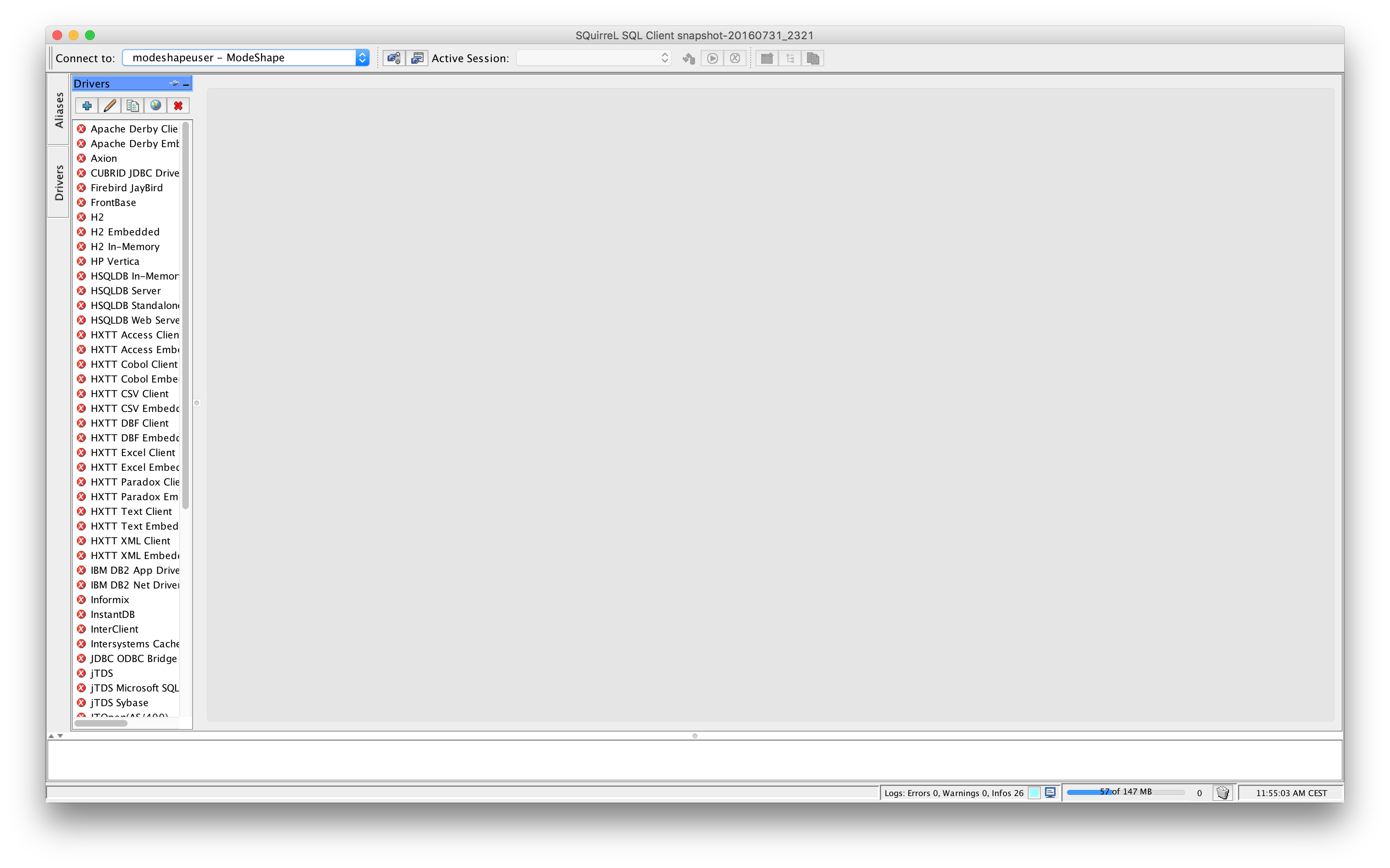
Create a new driver by clicking on btn:[+].
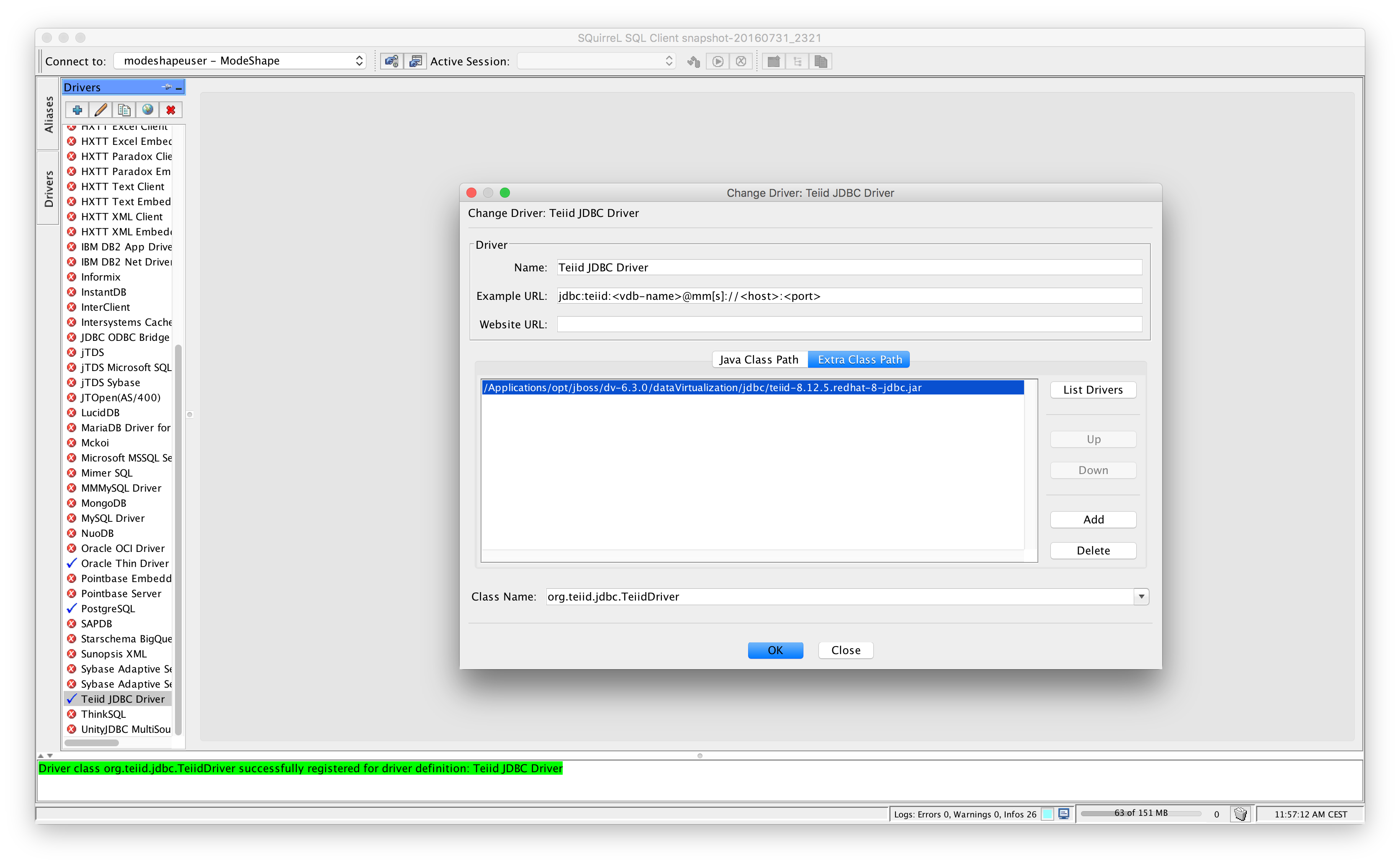
Close the Driver windowand click btn:[OK]. Now we have setup the Teiid JDBC driver we can now create a database connection to the Financials VDB using the driver previously created.
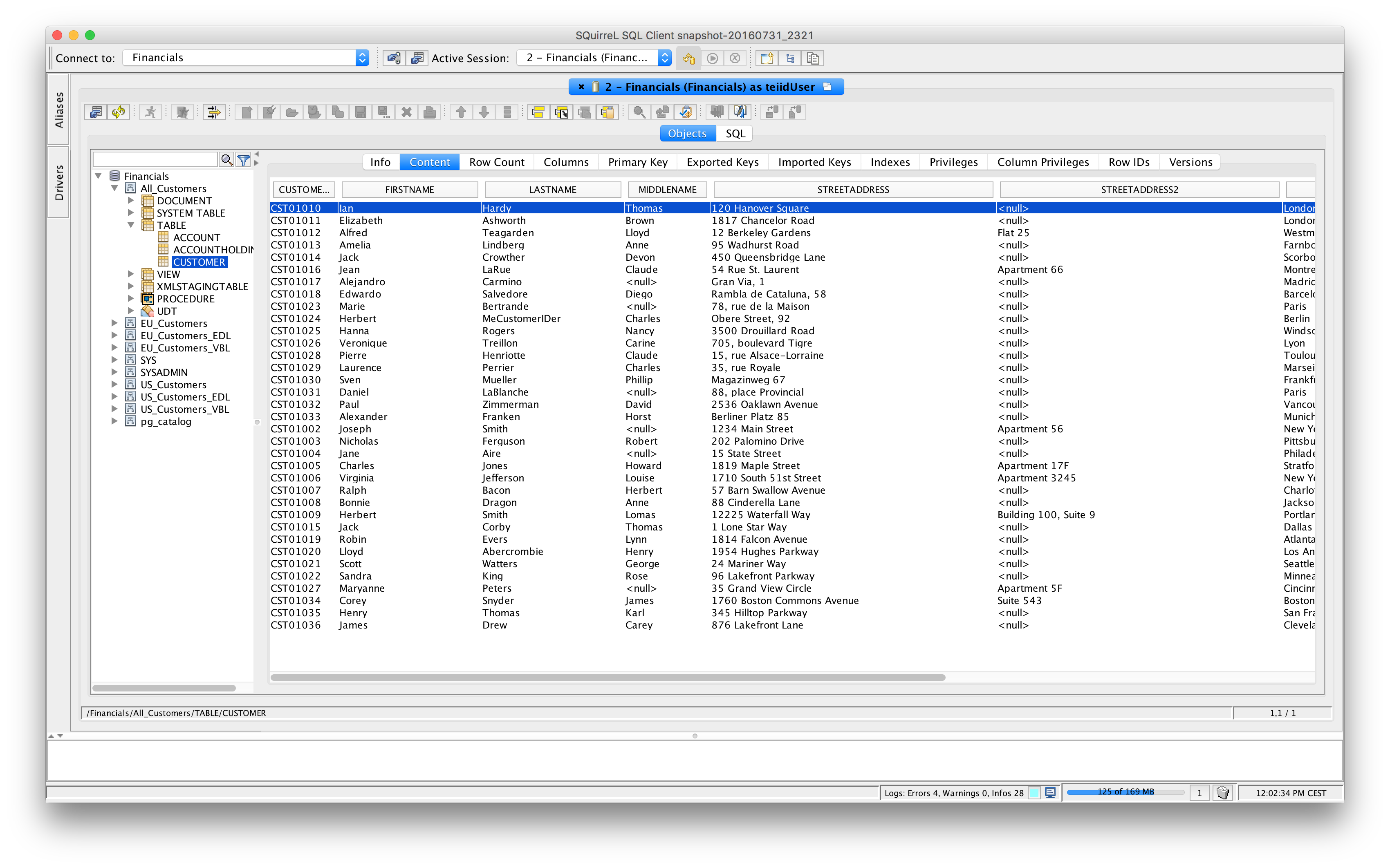
Select Aliases tab. Create a new database connection by clicking on Create a new alias by clicking on btn:[+].
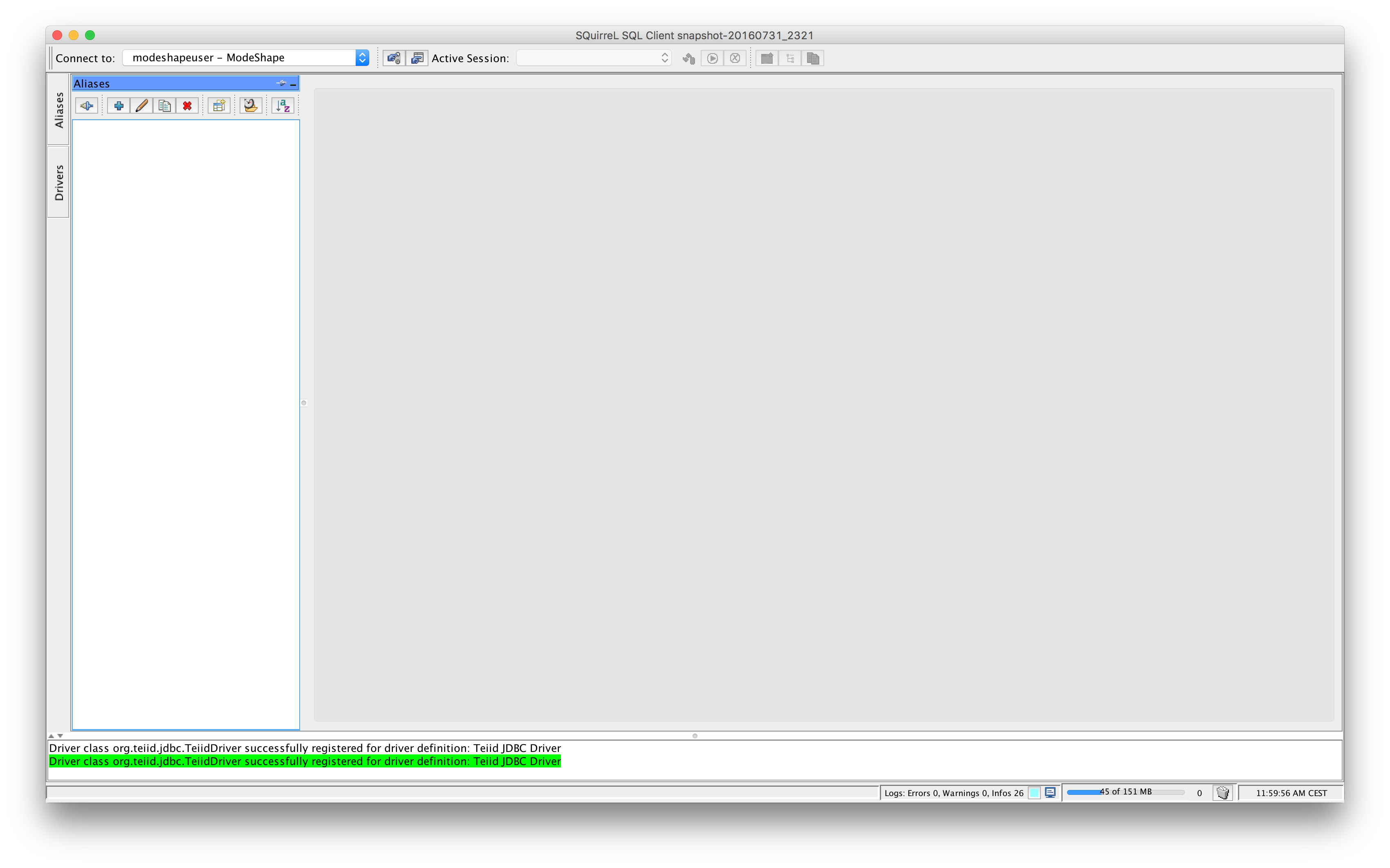
Select the Teiid driver in the Driver list box and fill in the approriate settings for connecting to the Financials VDB as depicted in the screenshot above. Try to connect and if the connection is successfully established you can run queries against the models which are exposed by the VDB.
OData v2
The Open Data Protocol (OData) is a Web protocol for querying and updating data that provides a way to unlock your data and free it from silos that exist in applications today. OData does this by applying and building upon Web technologies such as HTTP, Atom Publishing Protocol (AtomPub) and JSON to provide access to information from a variety of applications, services, and stores. OData is used to expose and access information from a variety of sources including, but not limited to, relational databases, file systems, content management systems and traditional Web sites. OData is consistent with the way the Web works, it makes a deep commitment to URIs for resource identification and commits to an HTTP-based, uniform interface for interacting with those resources (just like the Web). This allows OData to enable a new level of data integration and interoperability across a broad range of clients, servers, services, and tools. For more information on OData v2 see http://www.odata.org/documentation/odata-version-2-0/.
Where are we?
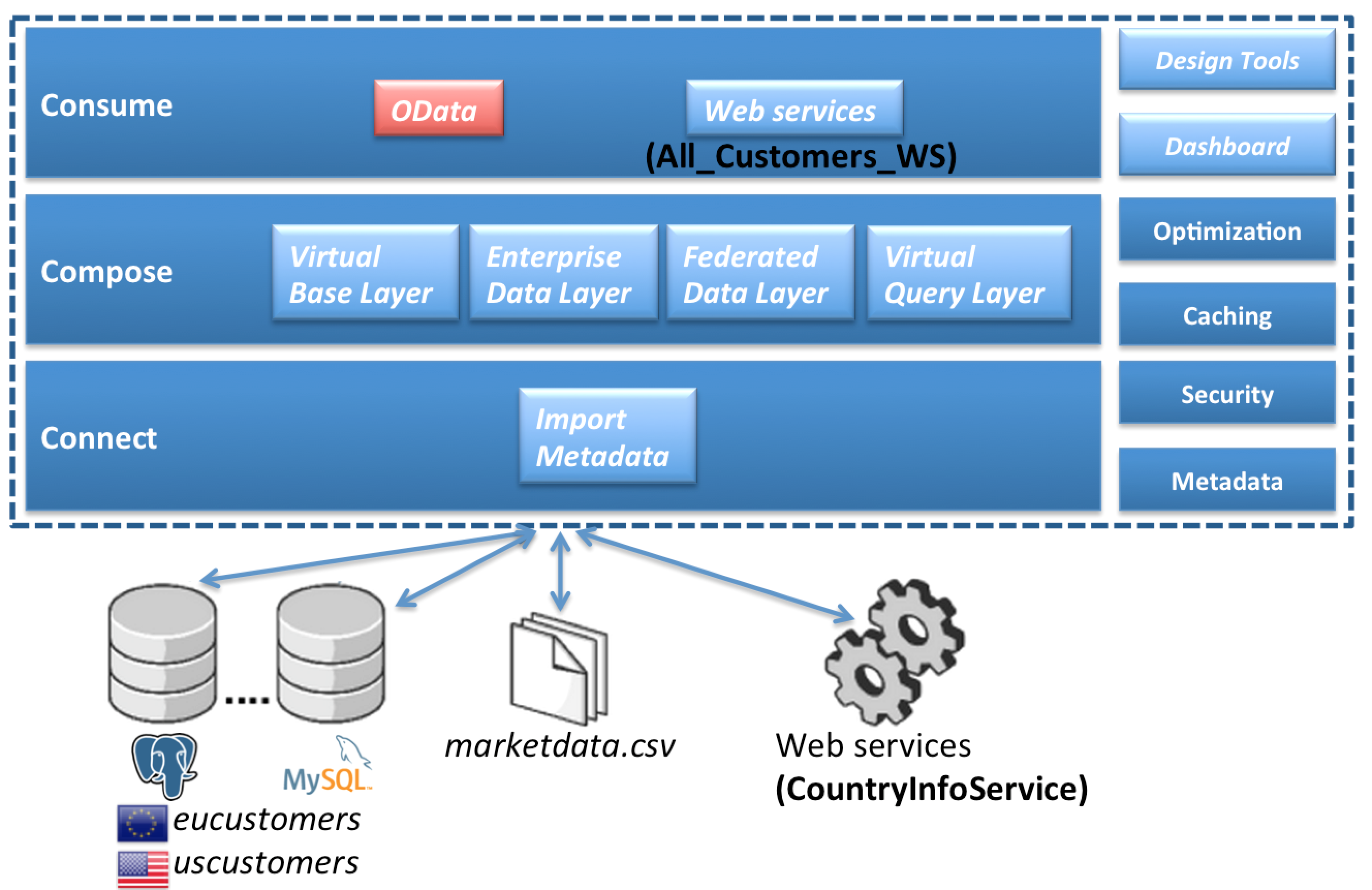
How to access the data
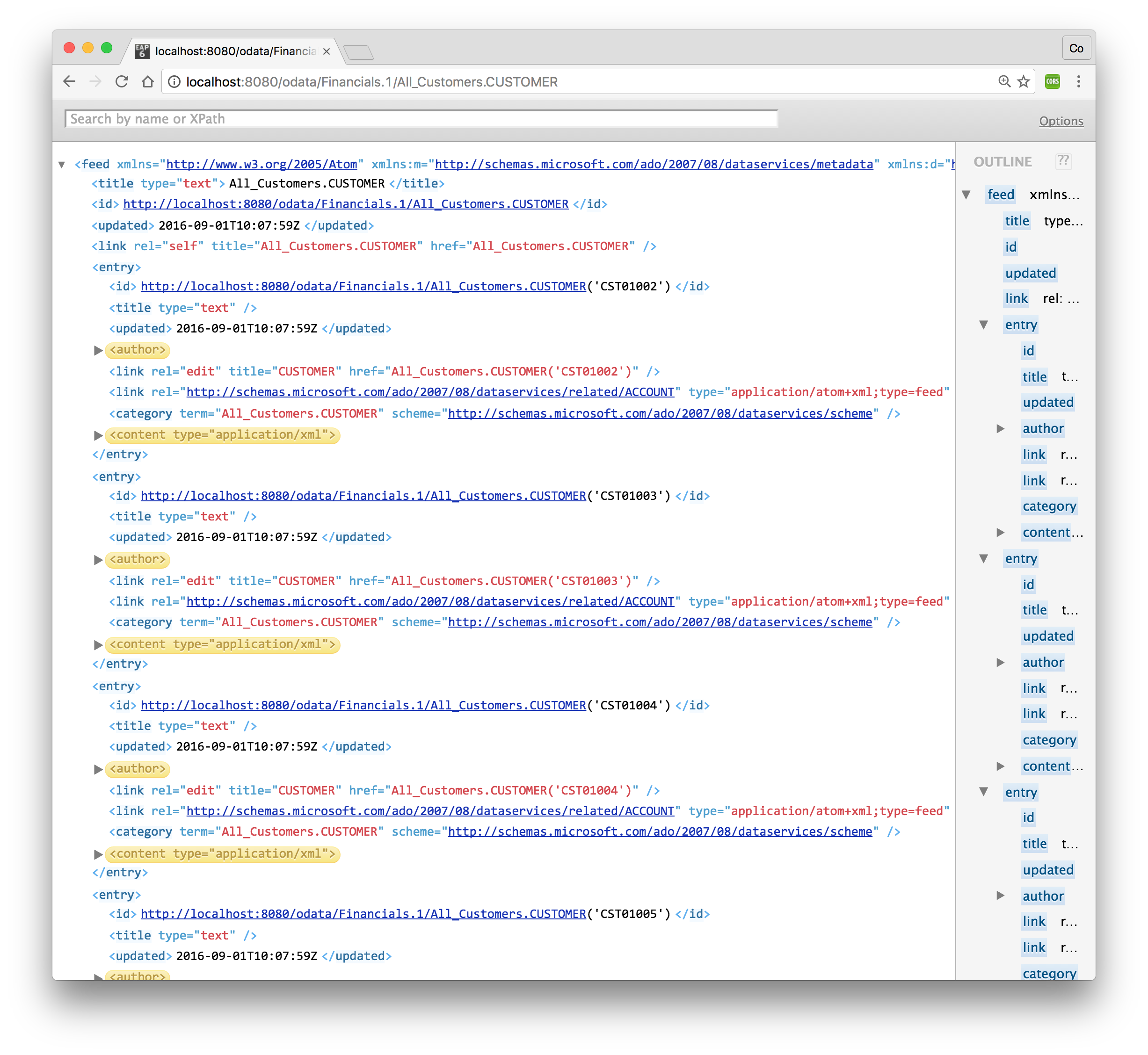
When you have successfully deployed the Financials VDB into the JBoss Data Virtualization server, the OData protocol support is implicitly provided by the JBoss Data Virtualization server without any further configuration. Now, open up a browser and point it to the following URL: http://localhost:8080/odata/Financials.1/All_Customers.CUSTOMER. If you are requested to type in a username/password enter teiidUser/redhat1!. This is similar to making a JDBC/ODBC connection and issuing a SQL call as
SELECT * FROM All_Customers.CUSTOMER;The returned results from OData query can be in Atom/AtomPub XML format or JSON format. By default AtomPub based XML result is returned as shown below.
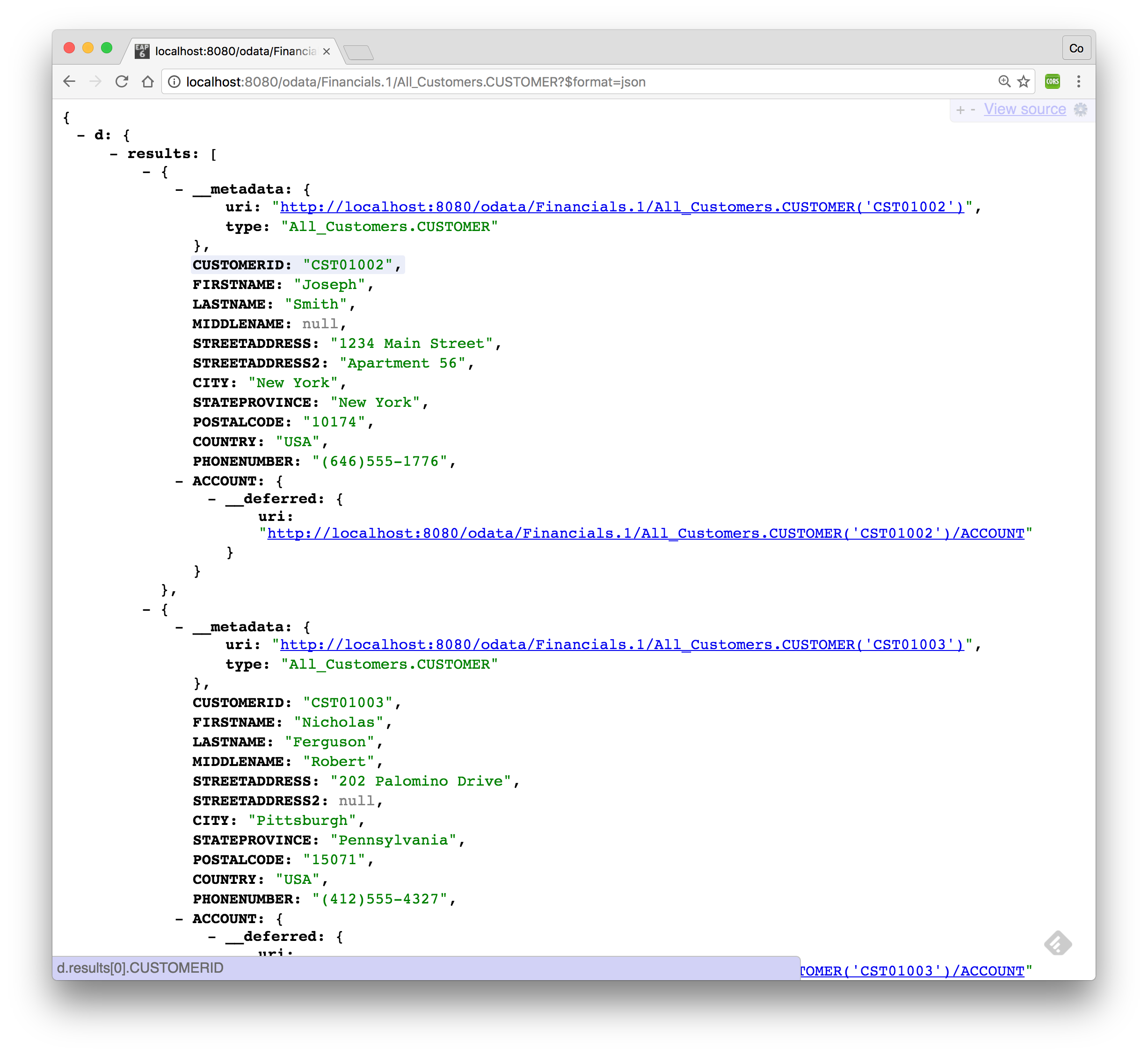
To return the results in JSON format use the following URL as shown below: http://localhost:8080/odata/Financials.1/All_Customers.CUSTOMER?$format=json
How to query the data
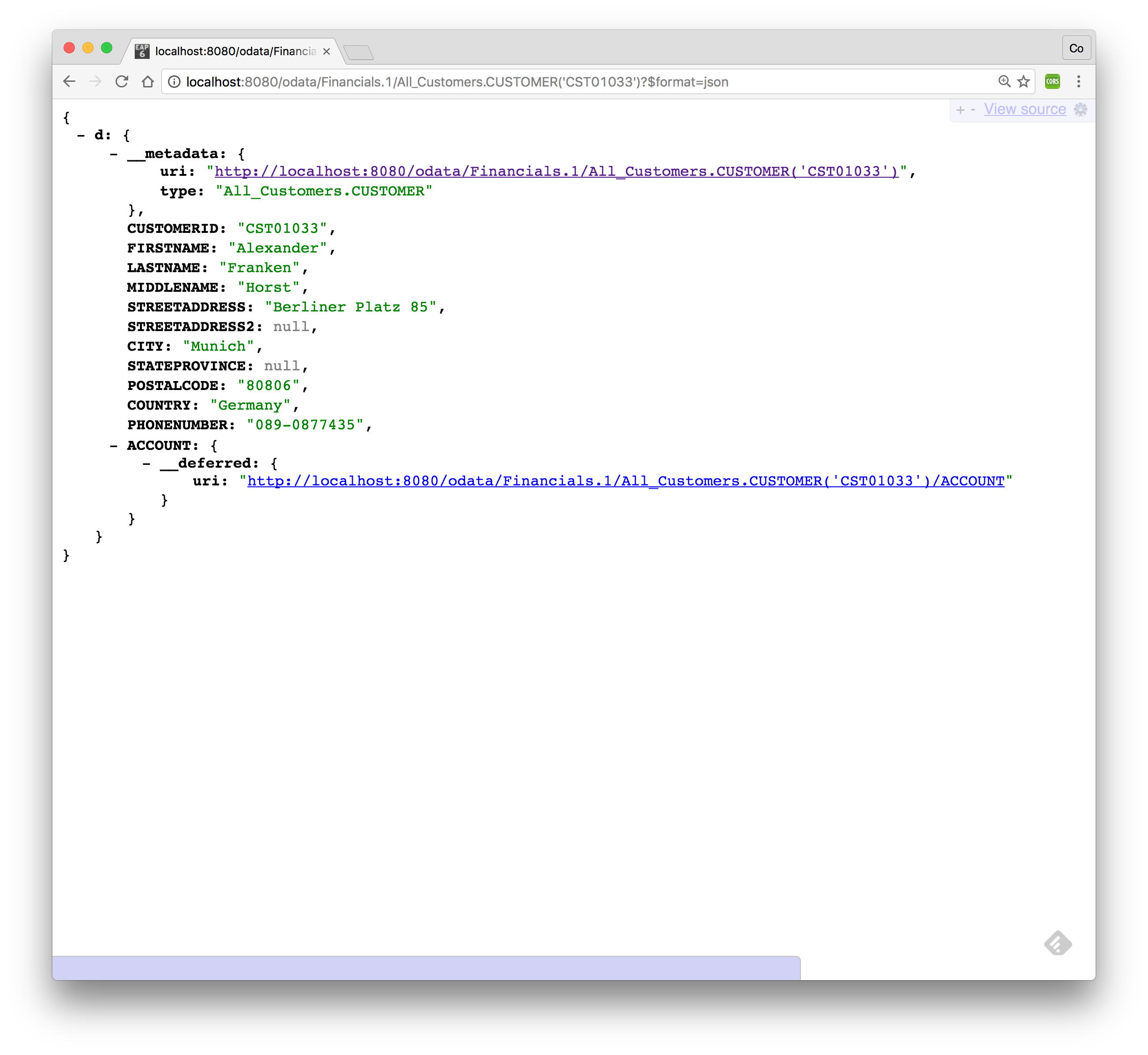
To search for CUSTOMER with CUSTOMERID='CST01033' which is the SQL equivalent of
SQL> SELECT * FROM All_Customers.CUSTOMER WHERE CUSTOMERID='CST01033';use following URL and it should return the results shown below: http://localhost:8080/odata/Financials.1/All_Customers.CUSTOMER('CST01033')?$format=json
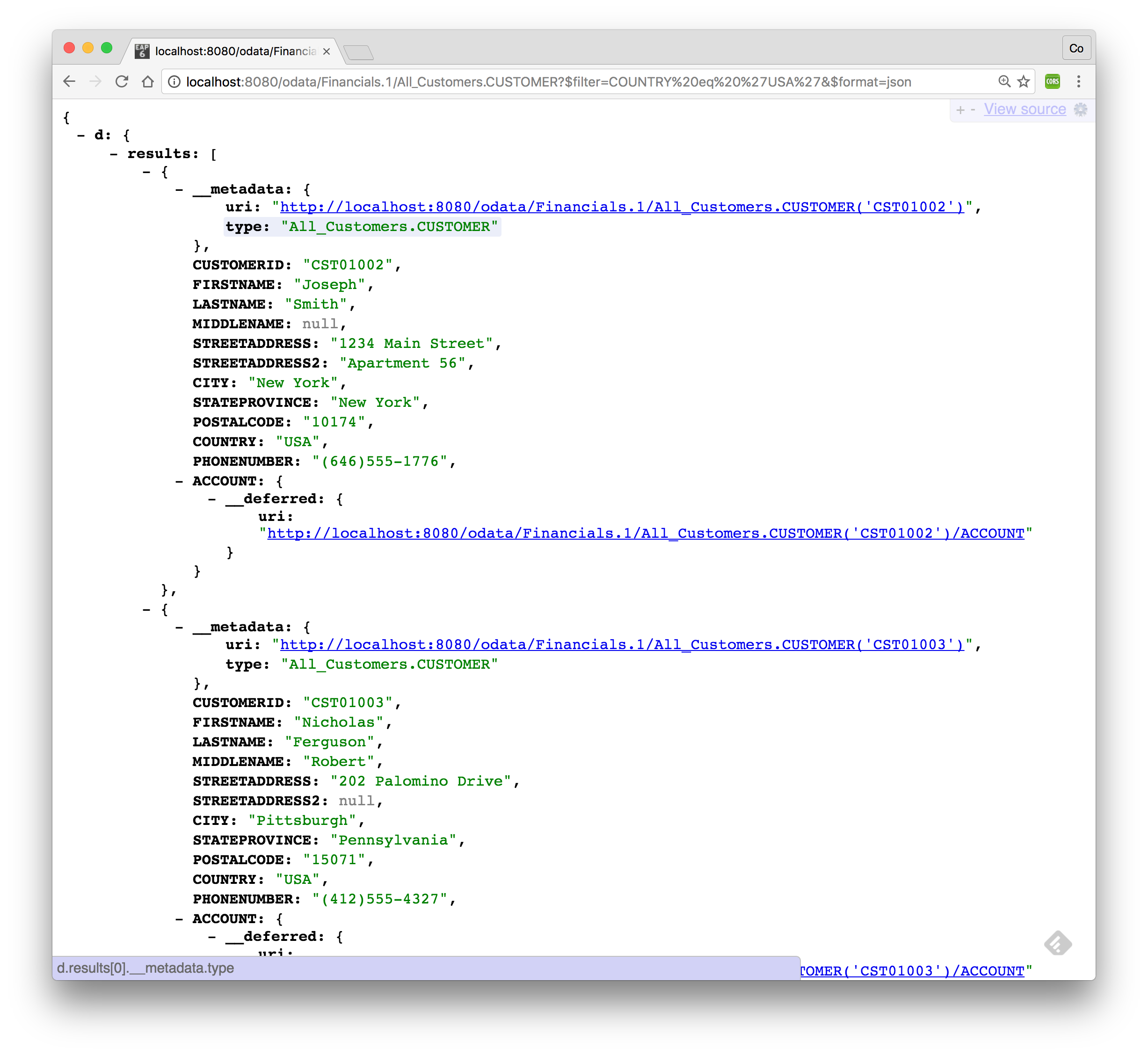
Another way to query the data is to use the OData filter system query option using $filter in the URL. The $filter system query option allows clients to filter the set of resources that are addressed by a request URL. $filter specifies conditions that MUST be met by a resource for it to be returned in the set of matching resources. To search customers from the USA which is the SQL equivalent of
SQL> SELECT * FROM All_Customers.CUSTOMER WHERE COUNTRY='USA';use following URL and this should return the results as shown below. http://localhost:8080/odata/Financials.1/All_Customers.CUSTOMER?$filter=COUNTRY eq 'USA'&$format=json
Play around with the OData v2 syntax.
OData v4
The Open Data Protocol (OData) is a Web protocol for querying and updating data that provides a way to unlock your data and free it from silos that exist in applications today. OData does this by applying and building upon Web technologies such as HTTP, Atom Publishing Protocol (AtomPub) and JSON to provide access to information from a variety of applications, services, and stores. OData is used to expose and access information from a variety of sources including, but not limited to, relational databases, file systems, content management systems and traditional Web sites. OData is consistent with the way the Web works, it makes a deep commitment to URIs for resource identification and commits to an HTTP-based, uniform interface for interacting with those resources (just like the Web). This allows OData to enable a new level of data integration and interoperability across a broad range of clients, servers, services, and tools. For more information on OData v4 see http://www.odata.org/documentation/.
|
Note
|
Starting with Red Hat JBoss Data Virtualization 6.3.0 OData v4 is supported. ==== Where are we? |
How to access the data
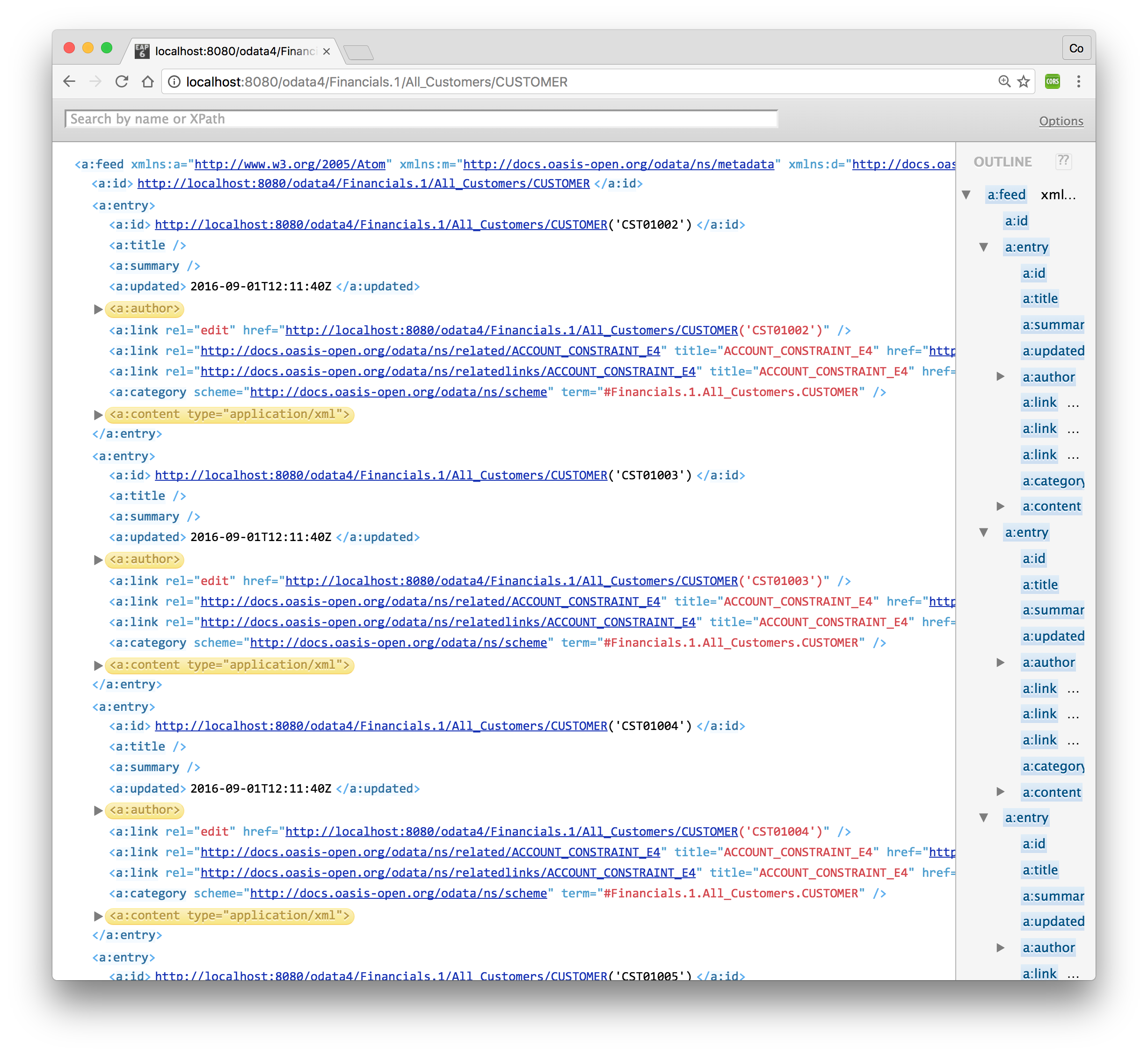
When you have successfully deployed the Financials VDB into the JBoss Data Virtualization server, the OData protocol support is implicitly provided by the JBoss Data Virtualization server without any further configuration. Now, open up a browser and point it to the following URL: http://localhost:8080/odata4/Financials.1/All_Customers/CUSTOMER. If you are requested to type in a username/password enter teiidUser/redhat1!. This is similar to making a JDBC/ODBC connection and issuing a SQL call as
SELECT * FROM All_Customers.CUSTOMER;The returned results from OData query can be in Atom/AtomPub XML format or JSON format. By default AtomPub based XML result is returned as shown below.
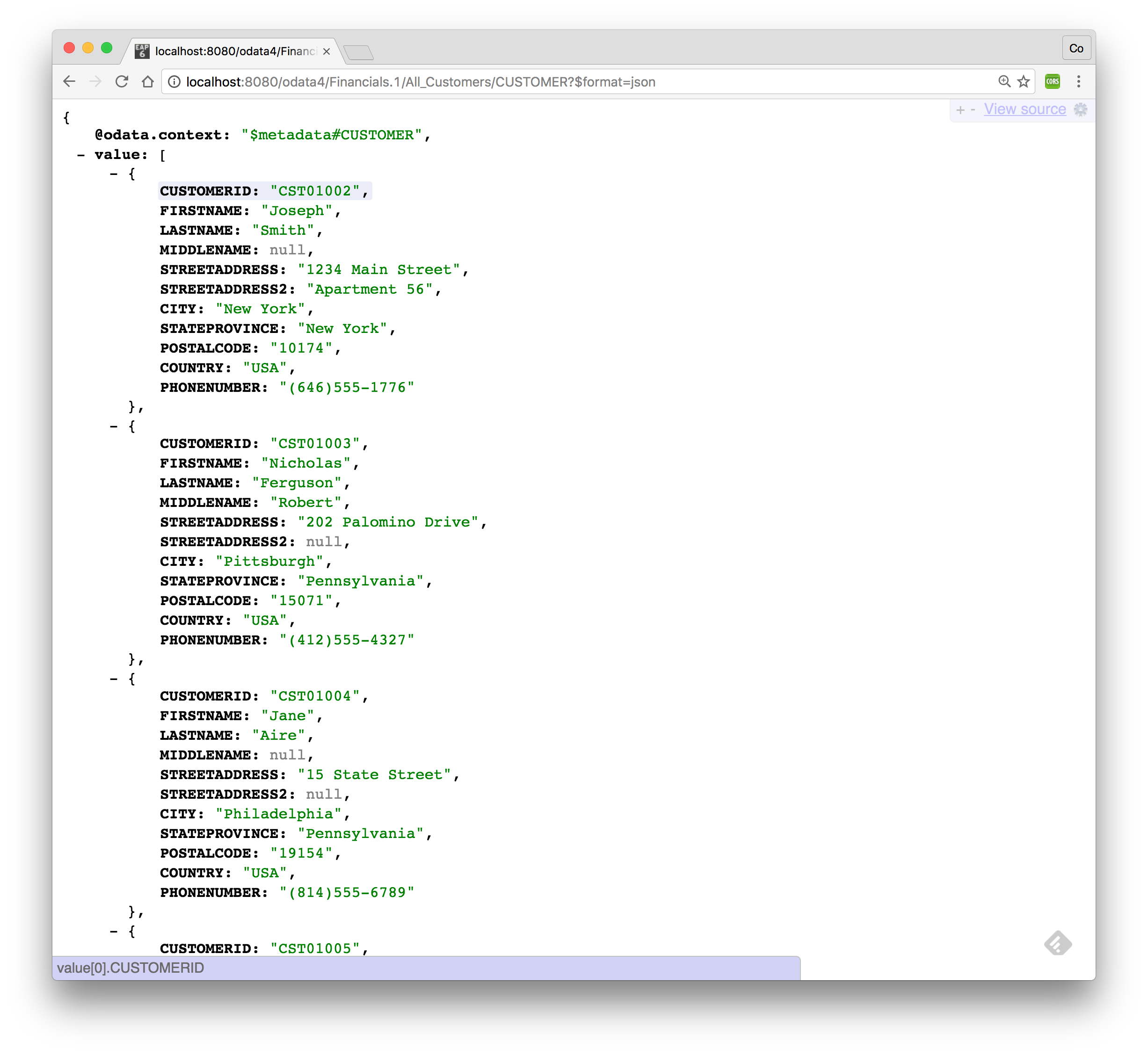
To return the results in JSON format use the following URL as shown below: http://localhost:8080/odata4/Financials.1/All_Customers/CUSTOMER?$format=json
How to query the data
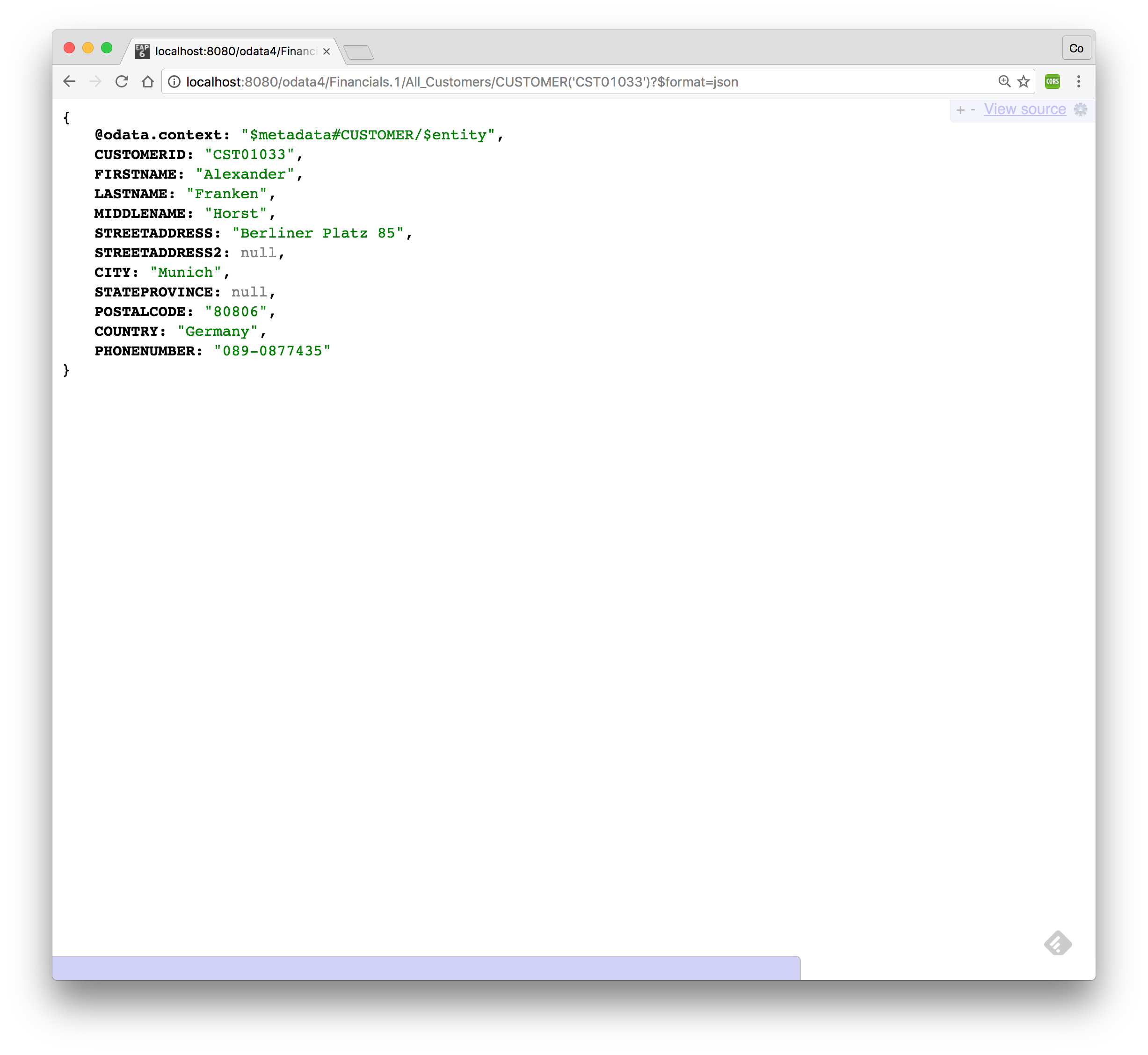
To search for CUSTOMER with CUSTOMERID='CST01033' which is the SQL equivalent of
SQL> SELECT * FROM All_Customers.CUSTOMER WHERE CUSTOMERID='CST01033';use following URL and it should return the results shown below: http://localhost:8080/odata4/Financials.1/All_Customers/CUSTOMER('CST01033')?$format=json
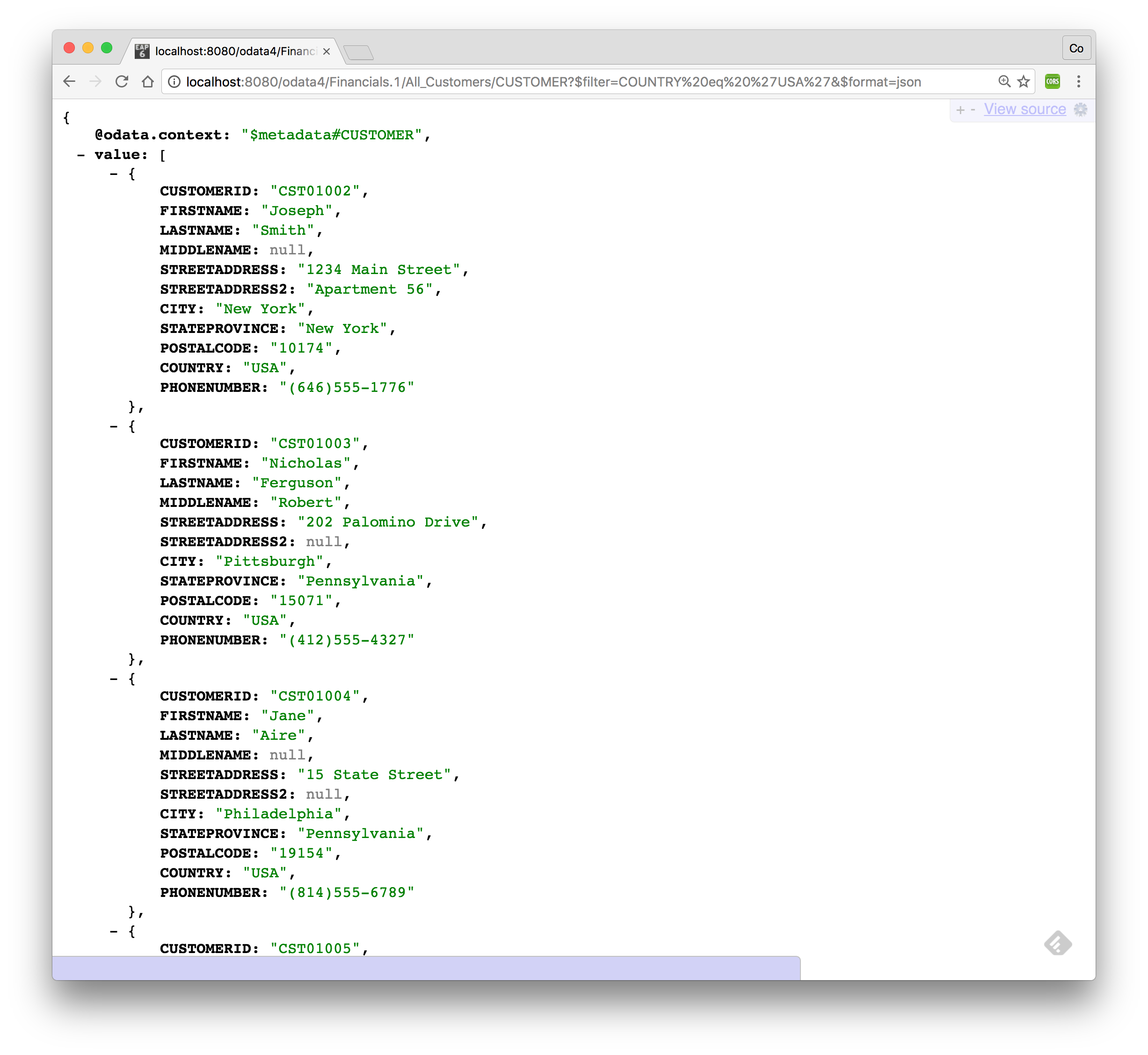
Another way to query the data is to use the OData filter system query option using $filter in the URL. The $filter system query option allows clients to filter the set of resources that are addressed by a request URL. $filter specifies conditions that MUST be met by a resource for it to be returned in the set of matching resources. To search customers from the USA which is the SQL equivalent of
SQL> SELECT * FROM All_Customers.CUSTOMER WHERE COUNTRY='USA';use following URL and this should return the results as shown below. http://localhost:8080/odata4/Financials.1/All_Customers/CUSTOMER?$filter=COUNTRY eq 'USA'&$format=json
Play around with the OData v4 syntax.
Congratulations, you have now completed this lab.